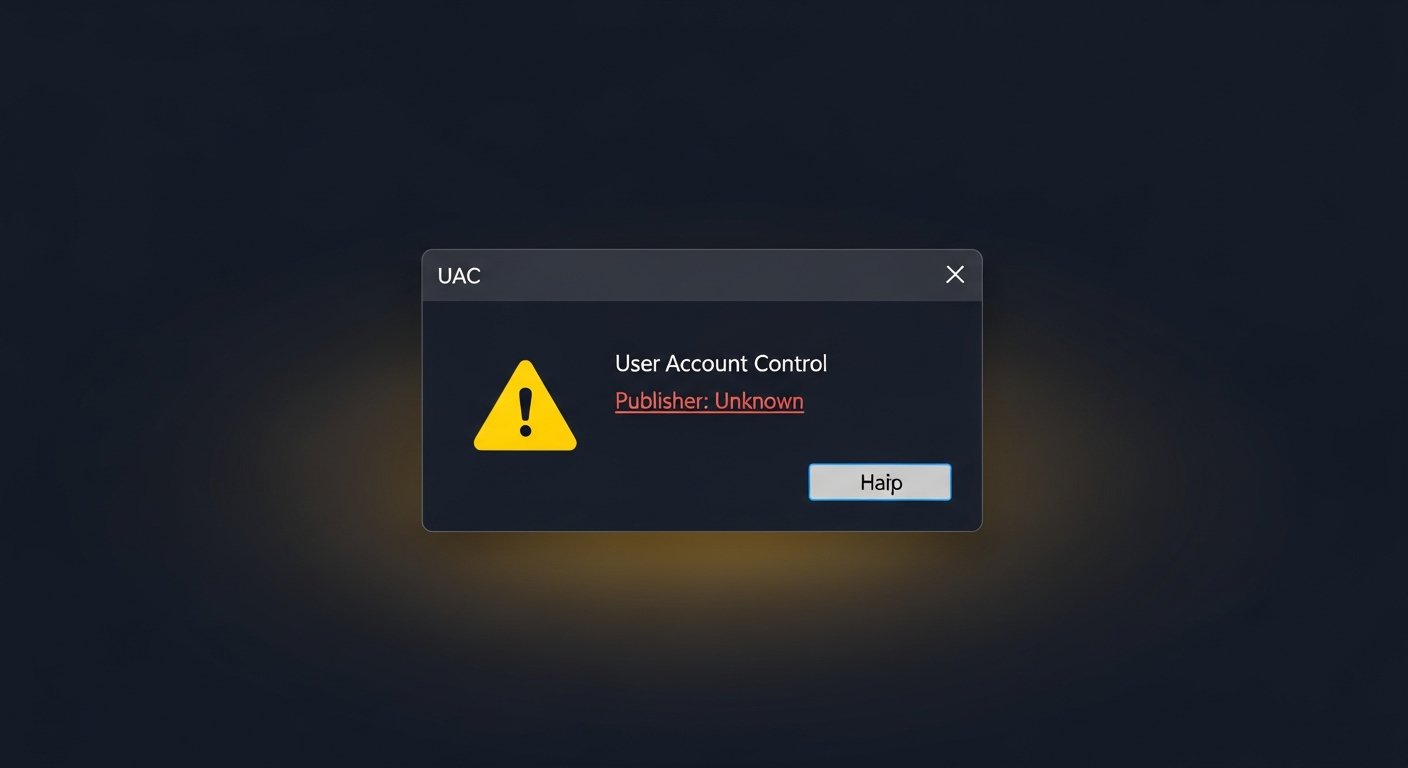
You shipped your software, a user downloaded it and tried to run it. Windows stepped in: "Do you want to allow this app to make changes to your device? Publisher: Unknown." To the user, that reads as "this file might not be trustworthy" — and most of them back out.
Why Does the Warning Appear?
Before running a program, Windows asks a simple question: who published this, and can that be verified? It looks for the answer in the file's digital signature.
If your software isn't signed, the operating system has no verifiable identity to work with. Since it can't invent one, it's honest about it and says "publisher: unknown." The warning does not mean your software is malicious; it only means it's unverified. But your user doesn't draw that distinction.
The Permanent Fix: Sign Your Code
The only real way to remove the warning is to sign your software with a code signing certificate. The signature does three things:
- Binds your identity — your company name, verified by a trusted authority, is attached to the file.
- Guarantees integrity — if the file is altered after signing, the signature breaks and the system sees it.
- Transforms the prompt — "Unknown publisher" is replaced by your verified name.
How the process works, roughly
- You get a code signing certificate (OV or EV).
- Identity validation completes; the private key goes onto a hardware token or into an HSM.
- You sign your software (on Windows, typically with
signtool). - When a user downloads it, you're no longer "unknown" — you're you.
I Signed It and Still Get a Warning
This is a different thing from the unsigned-file warning, and the two get confused constantly. The mechanism here is Microsoft SmartScreen: even with a valid signature, SmartScreen can show an extra warning if it doesn't recognize you yet.
If you signed with an OV certificate, that reputation builds over time, as your software is downloaded enough and runs cleanly. If you signed with an EV certificate, SmartScreen reputation is there from the start — no warning even on the first download.
For a detailed look at the difference, see EV vs OV code signing.
What Not to Do
- Don't tell users to "click past the warning" — teaching people to dismiss security prompts leaves them exposed to real threats too.
- Don't use a self-signed certificate — it doesn't work for public distribution; the system still won't trust it.
- Don't ignore the warning — the loss is bigger than it looks, and it happens silently.
The warning doesn't say your software is bad — it says nobody knows who you are.