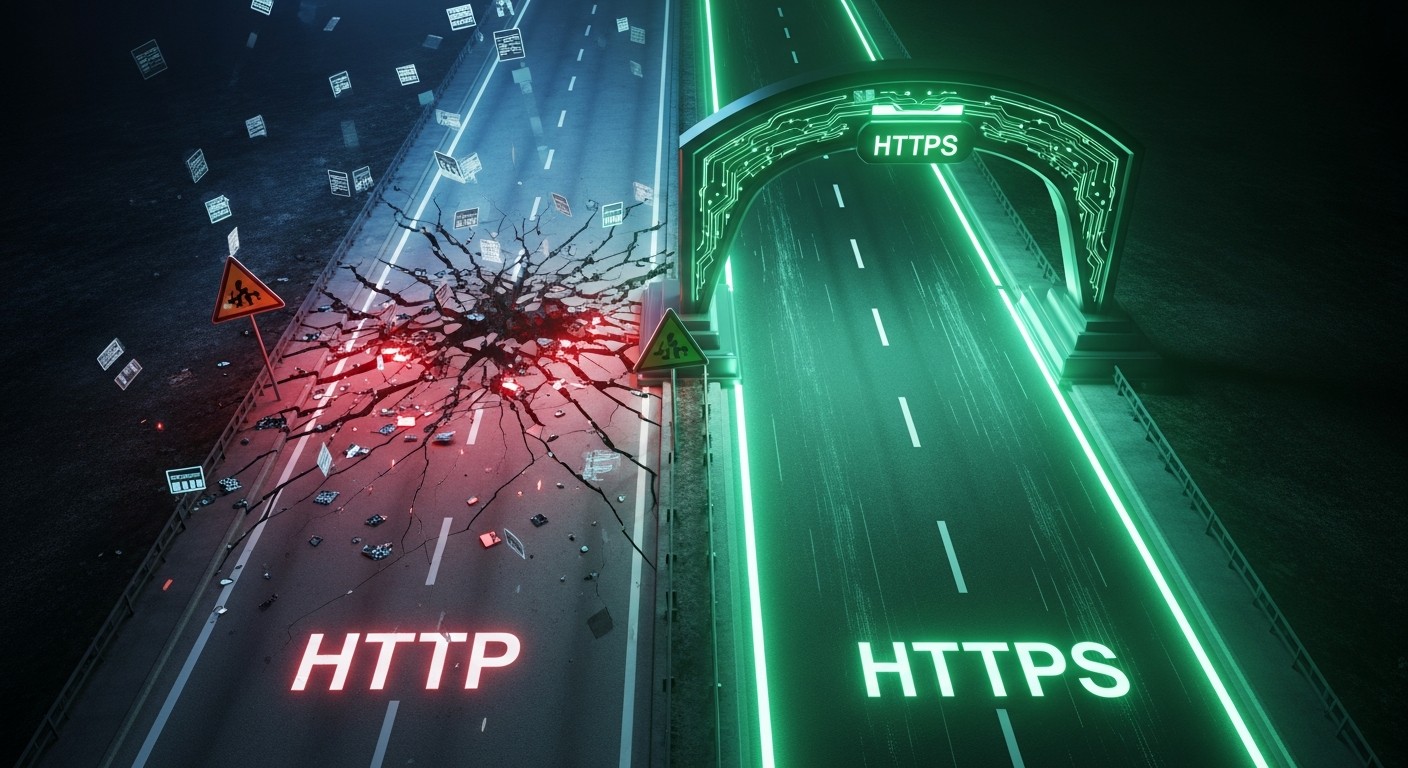
HTTP and HTTPS are the language of the conversation between a browser and a server. Both do the same job — fetch pages — but there's a small-looking difference with big consequences: that final "S," for secure.
What's the Core Difference?
HTTP (HyperText Transfer Protocol) sends data without encryption, as plain text. Someone on the same network (say, on public Wi-Fi) can read that traffic; any password or card detail you enter is exposed.
HTTPS carries that same HTTP over TLS encryption. Data is encrypted the moment it leaves the browser; only the destination server can decrypt it. The padlock in the address bar represents that encrypted connection. (For the details of how SSL and HTTPS relate, see our SSL vs HTTPS article.)
| Criterion | HTTP | HTTPS |
|---|---|---|
| Encryption | None (plain text) | Yes (TLS) |
| Address bar | "Not Secure" | Padlock icon |
| Data safety | Can be intercepted | Protected |
| SEO | A disadvantage | A slight advantage |
| Required | — | SSL/TLS certificate |
The "Not Secure" Warning
For a few years now, browsers have plainly marked HTTP pages as "Not Secure." When a user taps a form or password field, that warning becomes even more prominent. To a visitor, that's a red flag saying "don't enter information here" — which lowers both trust and conversions.
Why Is HTTPS a Must?
- Data security — form, login, and payment details are encrypted.
- User trust — the padlock shows visitors the page is protected.
- SEO — Google treats HTTPS as a lightweight ranking signal.
- Modern features — many browser APIs only work over HTTPS.
HTTP sends everything in the open; HTTPS locks it.