What Is a Self-Signed Certificate? (And When to Avoid It)
A self-signed certificate is an SSL certificate you approve yourself. It encrypts, but browsers don't trust it. Why does it trigger a warning, when is it fine, and when should you move to a real CA certificate?
GetYourSSL Team4 min readSSL Basics
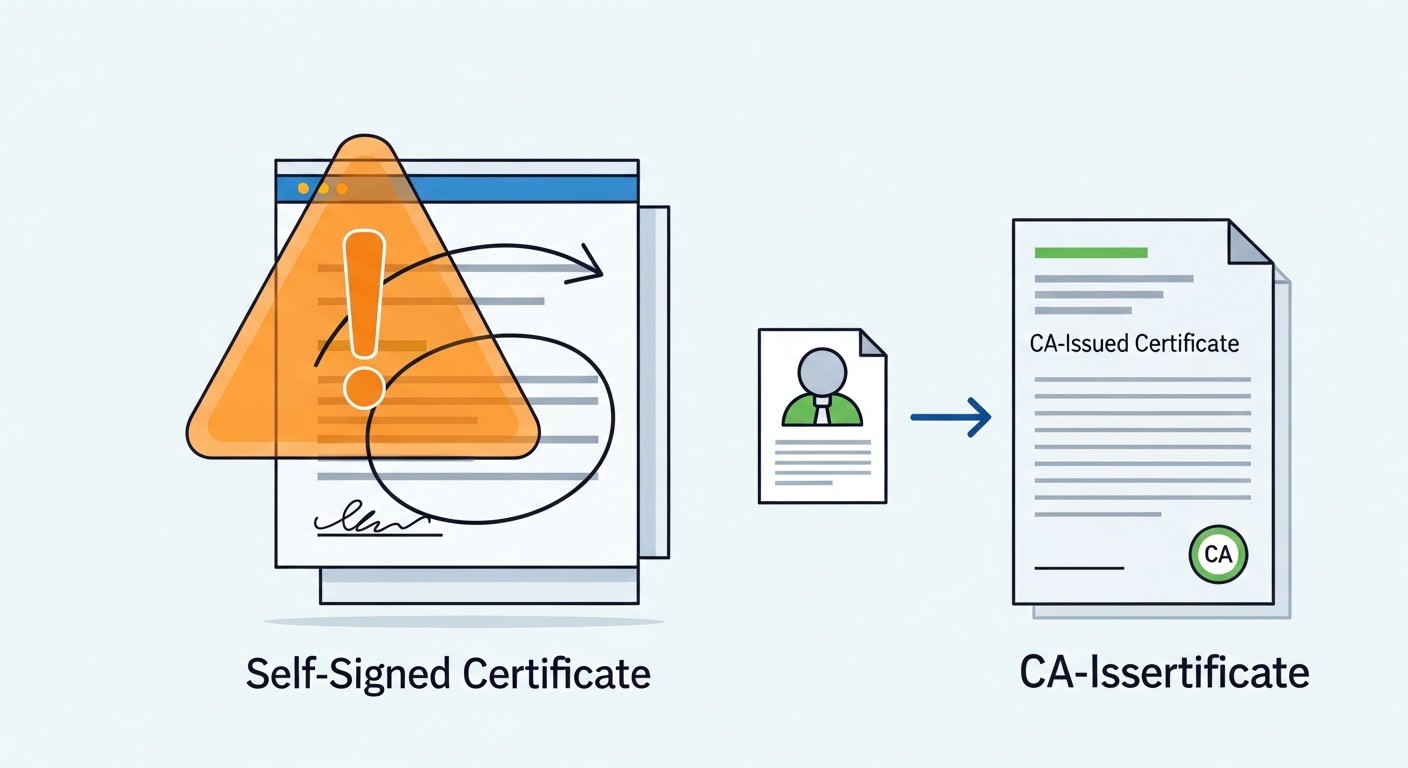
A self-signed certificate encrypts the connection, but since no one "vouches" for it, browsers don't trust it.
Disclosure: GetYourSSL is an affiliate partner of SSL.com. If you buy through our links, we may earn a commission at no extra cost to you.
For an SSL certificate to do its job, two things are needed: it has to encrypt the connection, and it has to be vouched for by a trusted authority. A self-signed certificate does only the first. That's exactly why browsers stop and warn when they see one.
What Is a Self-Signed Certificate?
Normally a certificate is signed by a trusted Certificate Authority (CA); browsers trust the certificate because they recognize the CA. With a self-signed certificate, you sign it with your own private key. So the certificate vouches for itself. It's technically a valid certificate and it encrypts traffic — but there's no third party providing trust.
Why Does the Browser Warn?
The browser tries to trace a certificate's signature up to a root it recognizes. With a self-signed certificate that chain points back to itself, so the browser says "no one guarantees this certificate" and shows a "your connection is not private" type of warning. Even though the encryption works, the user hits that screen.
⚠️
Don't use it on a public siteOn a site your visitors see, a self-signed certificate means a full-screen security warning. Most users leave at that point; it hurts both trust and SEO.
When Is It Appropriate?
Local development — to test HTTPS on your own machine.
Internal systems — internal tools only your team accesses, where you manually trust the certificate.
Test environments — temporary, non-public servers.
How Do You Create One?
It's usually generated with a single openssl command:
This produces a private key and a self-signed certificate. It's only suitable for testing/internal purposes.
A self-signed certificate encrypts but doesn't earn trust — because no one has vouched for it.
G
GetYourSSL Team
We translate the SSL/TLS world into plain English (and Turkish). Independent affiliate partners of SSL.com, focused on helping you pick the right certificate — not the most expensive one.