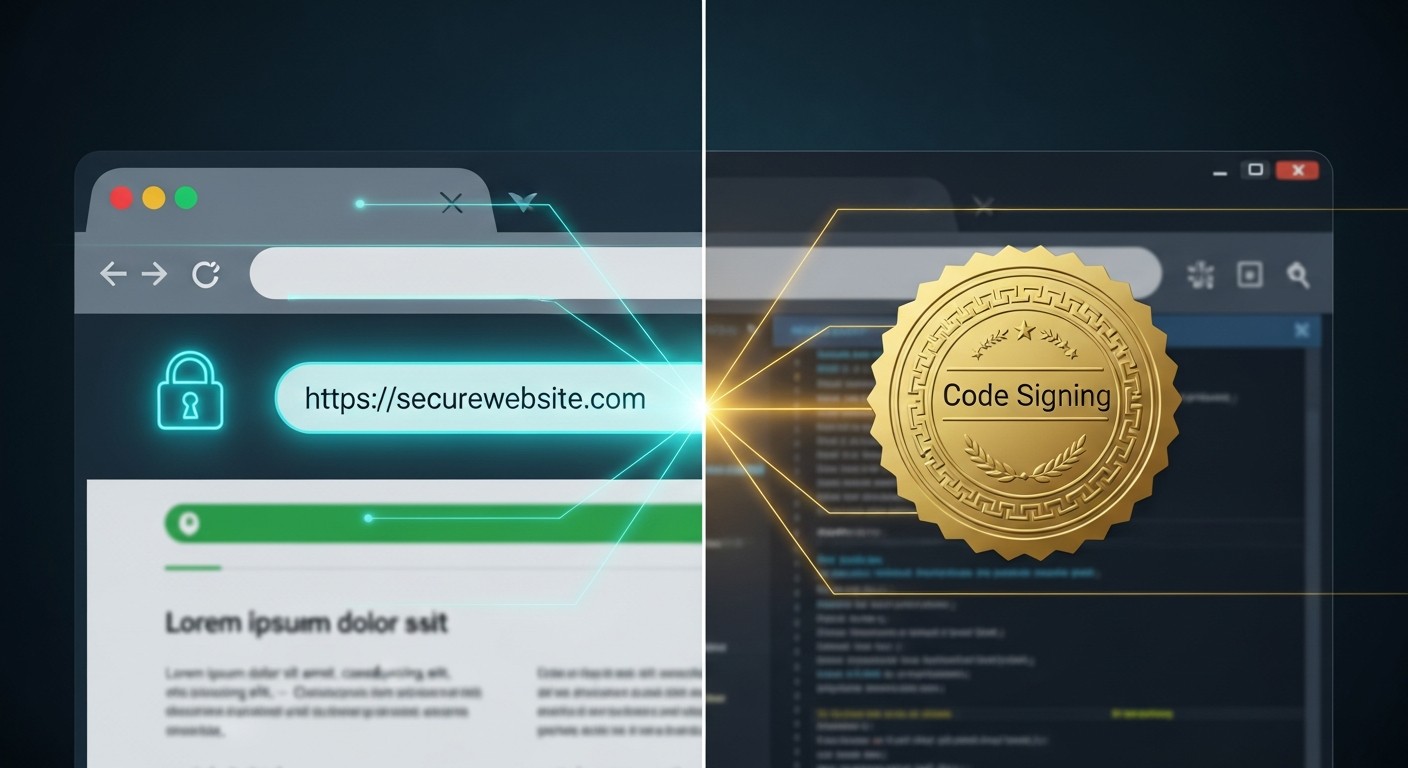
In the digital world, security is no longer a choice — it's a requirement. When users share data or download software, they want to know there's a secure setup on the other side. That's where digital certificates come in. In this article we'll put SSL/TLS and code signing certificates side by side and explain their differences in plain terms.
SSL/TLS Certificate: The Basis of Secure Communication
SSL (Secure Sockets Layer) and its modern successor TLS (Transport Layer Security) are technologies that encrypt the communication between a website and its users.
Where is it used? On websites (especially e-commerce, banking, and membership systems), in username/password login forms, and in payment transactions.
What does it guarantee? The data traffic between the browser and the site is encrypted, so even if third parties intercept it, they can't read it. Personal data like card numbers and passwords is protected. The address bar shows a padlock and https://, and the user gets the message "this site is secure."
In short, SSL/TLS provides communication security.
Code Signing Certificate: Shows the Software Is Safe
A code signing certificate has a different purpose: it verifies the software's developer and proves it hasn't been altered.
Where is it used? In desktop applications, mobile apps (App Store, Google Play), and software updates.
What does it guarantee? That the software really was produced by the developer/company in question, and that no one slipped malicious code into it during download or installation. The signature verifies the software's identity, checks its integrity, and spares the user the "not secure" warnings that appear with unsigned programs.
In short, code signing provides software security.
SSL/TLS vs Code Signing: The Differences
| Feature | SSL/TLS | Code Signing |
|---|---|---|
| Purpose | Encrypts communication | Verifies a program's source and integrity |
| What it protects | Data between site and user | The application/file itself |
| Where | Websites, forms, payments | Desktop/mobile apps, updates |
| User guarantee | "Your data is encrypted and private" | "This software is genuine and unaltered" |
| Visible sign | Padlock + https in the address bar | Verified publisher name at install |
The Points Most Often Confused
- ❌ "If there's SSL, the software is safe too." No. SSL only protects the data between the site and the user. SSL being present when you download software doesn't mean that software is safe — what shows that is code signing.
- ❌ "Visiting a site with a code signing certificate is safe." Wrong. Code signing verifies software, not a website. To tell whether a site is secure, you look at SSL/TLS.
- ❌ "One certificate is enough." Not true. If you want to offer a secure site and distribute trustworthy software, you need both: SSL/TLS for the web, and code signing for the software.
Why Use Them Together
These days the two certificates often work together. For example, when you download software from a website: the site is protected by SSL, so your data is safe during the download; the software itself is signed with code signing, so the file's authenticity is guaranteed. This combination delivers end-to-end security that covers both the site and the software.
In Closing: Different, but Complementary
SSL/TLS encrypts communication over the internet; code signing verifies the integrity and source of software. Because their functions differ, you can't use one in place of the other — but used together, they give the user a fully secure experience. For software developers, e-commerce sites, and any online service, both are essential. If you're wondering how to get a code signing certificate, take a look at our step-by-step guide.
Building trust is the fastest way to win users.