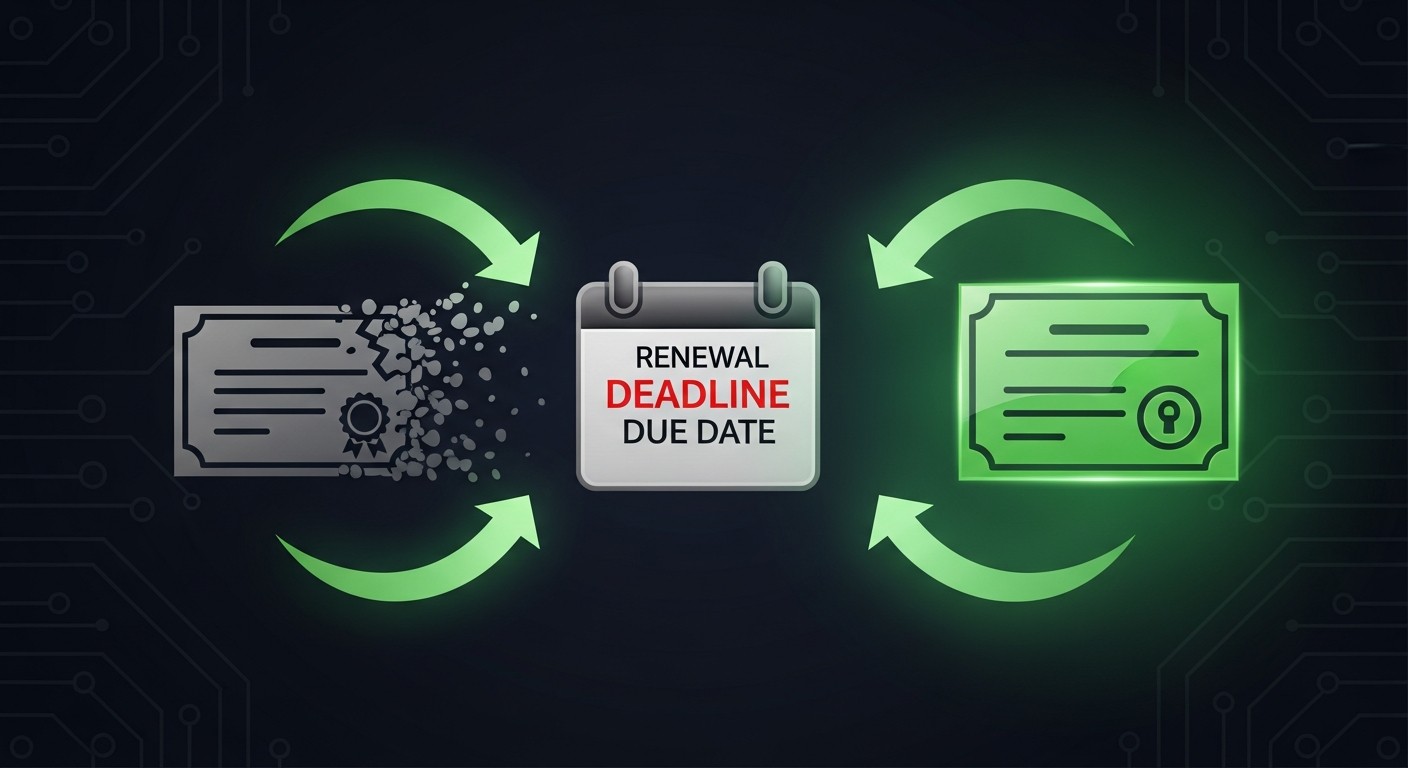
Certificate renewal tends to slip the mind — right up until the browser starts telling visitors the site is "not secure." Yet renewal is a handful of steps that cause no trouble at all when you plan ahead. First, let's be clear about what's actually being "renewed."
Why Renew on Time?
An SSL certificate has a fixed end date. Once it passes, browsers treat the connection as insecure; visitors hit a full-screen warning, and most leave. On e-commerce or login-based systems, that's a direct loss. So not leaving renewal to the last day is critical.
Renewing, Step by Step
- Generate a new CSR — since renewal is really a fresh issuance, preparing a new CSR (and, if you like, a new key) is the cleanest path. You can create one in minutes with our CSR Generator.
- Place the renewal order — pick the same type (DV/OV/EV); update the type if your needs have changed.
- Complete validation — pass domain (and, for OV/EV, identity) validation again.
- Install the new certificate — upload it to your server along with the intermediates; don't leave the chain incomplete.
- Test it — open your address with https:// and confirm the dates and chain with our SSL Checker.
When Should You Renew?
Renewing a few weeks before expiry gives you a safe buffer — if validation or installation hits a snag, you have time to fix it. Public TLS certificates today max out at around 398 days of validity, and the industry is steadily moving toward shorter lifespans — meaning renewal comes up more often than it used to.
Common Mistakes
- Leaving it to the last day — if validation is delayed, an outage becomes unavoidable.
- Forgetting the intermediates — an incomplete chain makes some devices see the site as untrusted.
- Mixing up the old certificate — make sure you know which certificate is active on the server.
- Skipping the test — after installing, always verify with https:// and a checker.
A renewal is really a fresh issuance — plan it before the clock runs out.